
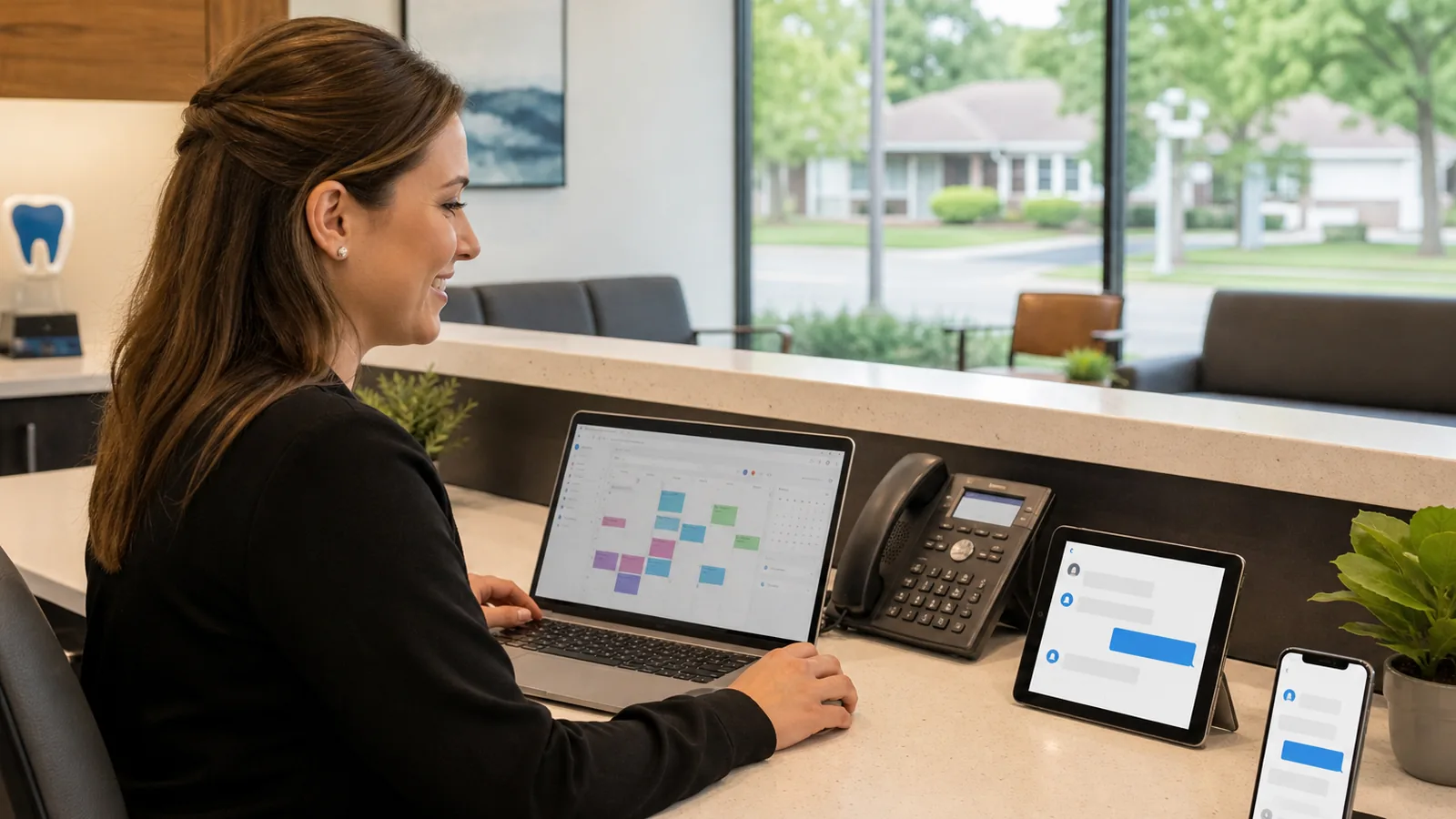
Quick answer: what is dental office automation?
Dental office automation uses simple workflows to help a practice handle repeated front desk tasks more consistently. For dental offices in Amherst, Williamsville, West Seneca, and the wider Buffalo area, that can include new patient intake, appointment reminders, missed call follow-up, FAQ responses, review requests, and internal task routing.
The goal is not to replace the front desk. The goal is to reduce the number of small manual steps that cause delays, missed messages, and extra back-and-forth.
Why dental offices feel the front desk squeeze
Dental offices run on trust, timing, and clear communication.
A patient may call during a busy check-in window. A new patient form may arrive after hours. Someone may ask whether you accept their insurance, need to reschedule, or want to know what to bring to a first appointment. Meanwhile, the team is already handling phones, patient arrivals, treatment plan questions, billing conversations, provider schedules, and follow-up tasks.
That is where dental office automation can help. Not with flashy AI hype, but with practical systems that make sure the right message gets acknowledged, routed, and followed up.
For a local practice in Western New York, the biggest wins often come from organizing the common communication loops before they become daily clutter.
Practical dental office automation ideas at a glance
| Workflow | Best for | What it helps prevent | First step |
|---|---|---|---|
| New patient intake routing | Practices taking website forms or phone inquiries | Forms sitting in an inbox with no clear owner | Map where new patient requests go today |
| Appointment reminders | Hygiene visits, consults, and recurring appointments | Manual reminder calls and avoidable confusion | Review current reminder timing and channels |
| Missed call text-back | Busy front desks and after-hours calls | Prospective patients waiting until the next day | Decide what response should go out after a missed call |
| FAQ automation | Common questions about hours, forms, parking, insurance, and services | Repeated phone interruptions for basic info | List the top 10 questions your team answers weekly |
| Review request follow-up | Completed appointments and satisfied patients | Forgetting to ask at the right time | Choose when a review request is appropriate and compliant |
| CRM or task tracking | Practices tracking leads manually | New patient opportunities getting lost in notes | Define the stages from inquiry to booked appointment |
1. New patient intake automation
New patient intake is one of the clearest places to start because it has a repeatable pattern.
Someone fills out a website form, calls the office, or asks a question online. The practice needs to acknowledge the request, collect the right information, and make sure a staff member follows up.
A simple intake workflow can look like this:
- Trigger: A new patient form is submitted on the website.
- Action: The patient receives a confirmation message explaining that the office received the request.
- Human handoff: A front desk task is created with the patient name, contact information, preferred appointment type, and any notes.
- Customer experience: The patient is not left wondering whether the form went through.
- When not to automate: Insurance eligibility, clinical advice, and sensitive patient-specific questions should be handled by trained staff using the practice's normal process.
Example: A dental office in Amherst receives a new patient request at 8:30 p.m. Instead of sitting unseen until morning, the form sends a friendly confirmation, asks the patient to expect follow-up during business hours, and creates a task for the front desk. The next morning, the team starts with an organized list instead of searching through email.
If your practice already receives website inquiries, connecting them to a clear workflow through CRM automation for small business can help keep follow-up visible.
2. Appointment reminder automation
Appointment reminders are not new, but many offices still rely on a mix of manual calls, calendar notes, and one-off messages.
A better reminder workflow should be simple and respectful:
- Confirmation when an appointment is booked.
- Reminder before the appointment.
- Clear rescheduling instructions.
- Optional follow-up if the patient does not confirm.
- Staff notification when a patient cancels or asks for help.
For Western New York dental offices, this can be especially helpful during winter weather, school schedules, holiday weeks, and other times when appointment changes pile up quickly.
The key is to avoid robotic spam. Messages should sound like your practice, use plain language, and give patients an easy way to contact a real person.
A practical appointment reminder automation workflow can help reduce manual reminder work while keeping the front desk in control.
3. Missed call follow-up for busy front desks
Dental offices miss calls for normal reasons. Staff may be checking in a patient, speaking with someone at the counter, or helping with a scheduling question.
The problem is that a missed call can turn into a missed new patient opportunity if nobody responds quickly.
A missed call text-back workflow can help by sending a short message after a call is missed:
> Thanks for calling. We are helping patients right now, but we received your call. Reply here with what you need help with, or our team will follow up during business hours.
That message should not pretend to be a dentist. It should not answer clinical questions. It should simply acknowledge the call and create a path for follow-up.
A safe workflow includes:
- Trigger: A call is missed during business hours or after hours.
- Action: A short text asks what the caller needs help with.
- Human handoff: The response is routed to the front desk or a task list.
- Customer experience: The caller feels acknowledged instead of ignored.
- When not to automate: Emergencies, medical advice, billing disputes, and complex patient issues should route to a human process.
A missed call and website lead automation workflow is often one of the easiest first automations to test because it focuses on acknowledgement and routing.
Not sure what to automate first?
If your front desk is juggling calls, forms, reminders, and repeated questions, WNY Business Automation can help map the first few workflows worth cleaning up. Start small: one intake process, one reminder sequence, or one missed-call handoff.
4. FAQ automation without making patients feel brushed off
Many dental offices answer the same questions every week:
- Are you accepting new patients?
- Where are forms located?
- What should I bring to my first appointment?
- What are your hours?
- Do you handle emergency appointments?
- How do I reschedule?
- Where should I park?
FAQ automation can help answer basic questions on your website, but it should be controlled carefully.
Good FAQ automation gives general information and hands off when the question becomes personal, clinical, urgent, or insurance-specific. It should not make up answers, provide dental advice, or block the patient from contacting the office.
For many practices, an AI chatbot for small business works best when it is limited to approved answers, intake prompts, and clear escalation to a real staff member.
5. Review request automation after the right appointment
Reviews matter for local trust, especially when people are comparing dental offices in Amherst, Williamsville, West Seneca, Buffalo, and nearby communities.
But review requests should be handled carefully.
A review request workflow can send a polite message after an appropriate completed appointment, but the practice should avoid pressure, incentives, or language that violates platform rules. The message should be simple: thank the patient, ask if they would be willing to share feedback, and make it easy to contact the office if something was wrong.
This is a good example of automation supporting a human standard, not replacing it. If a patient has a concern, the team should have a clear path to respond personally.
6. Internal task routing for front desk follow-up
One of the most useful parts of automation is not what the patient sees. It is what the team sees.
When a form, call, or message comes in, the system can create a task with the important details:
- Patient or prospect name.
- Contact information.
- Request type.
- Preferred appointment timing.
- Source, such as website form, missed call, or chatbot.
- Assigned owner.
- Follow-up due date.
This helps prevent important requests from living only in someone's memory, a sticky note, or an email thread.
For a dental office with multiple people handling phones, even a simple shared task board can make follow-up easier to manage.
Is this a good fit?
Dental office automation may be a good fit if:
- New patient inquiries come from calls, forms, or your website.
- The front desk answers the same questions repeatedly.
- Appointment reminders take too much manual time.
- Missed calls or after-hours messages are hard to track.
- Follow-up depends too much on memory or sticky notes.
It may not be the right fit yet if:
- No one owns follow-up internally.
- The practice does not have a clear process for new patient requests.
- Staff will not use the place where tasks are created.
- The workflow involves clinical judgment that should stay human-led.
The best first automation is usually the one with a clear trigger, a clear owner, and a clear handoff.
Common mistakes to avoid
Automating before the process is clear
If the team does not agree on what should happen after a new patient inquiry, automation will only move the confusion faster. Start by mapping the current process.
Making messages sound too robotic
Patients should feel like they are hearing from your practice, not from a generic system. Keep messages short, warm, and specific.
Letting automation answer questions it should not answer
Clinical advice, diagnosis, treatment recommendations, insurance eligibility, and sensitive patient-specific situations need proper human review.
Forgetting the staff handoff
A patient-facing message is only half the workflow. The team also needs a task, notification, or CRM update so follow-up actually happens.
Trying to automate everything at once
Start with one workflow. Test it. Improve the wording. Confirm that staff use it. Then add the next piece.
How WNY Business Automation can help
WNY Business Automation helps local businesses build practical automation systems without turning everything into complicated enterprise software.
For dental offices, that might mean mapping your new patient intake process, cleaning up appointment reminder workflows, routing missed calls, or adding a controlled FAQ assistant to your website.
The focus is simple: help your team respond more consistently, stay organized, and keep human judgment where it belongs.
FAQ
What is dental office automation?
Dental office automation is the use of simple systems to handle repeated administrative tasks such as intake routing, appointment reminders, missed call follow-up, FAQ responses, review requests, and task creation.
Can automation replace the dental front desk?
No. For most practices, automation should support the front desk, not replace it. It can acknowledge requests, organize information, and create follow-up tasks, while staff handle judgment, patient-specific questions, scheduling decisions, and sensitive issues.
What should a dental office automate first?
Start with a workflow that is repeated often and has a clear handoff. Common starting points include new patient forms, appointment reminders, missed call text-back, or FAQ routing.
Is dental office automation safe for patient communication?
It can be safe when it is designed with limits. Automated messages should avoid clinical advice, avoid sensitive details when unnecessary, and route personal or urgent questions to trained staff.
Can automation help after-hours dental inquiries?
Yes, automation can acknowledge after-hours inquiries, collect basic non-clinical details, and create a task for the next business day. Urgent or clinical situations should follow the practice's established emergency communication process.
Take the next step
If your dental office in Amherst, Williamsville, West Seneca, Buffalo, or nearby Western New York communities is dealing with too many calls, forms, reminders, and repeated questions, WNY Business Automation can help you choose a practical first workflow.
Ask for 3 Automation Ideas for your front desk process — no hype, no giant software overhaul, just a clear look at where automation can help your team stay organized.
Request a Free Automation Audit to get a few practical ideas for the first workflow worth improving.