
Quick answer: what business tasks should I automate first?
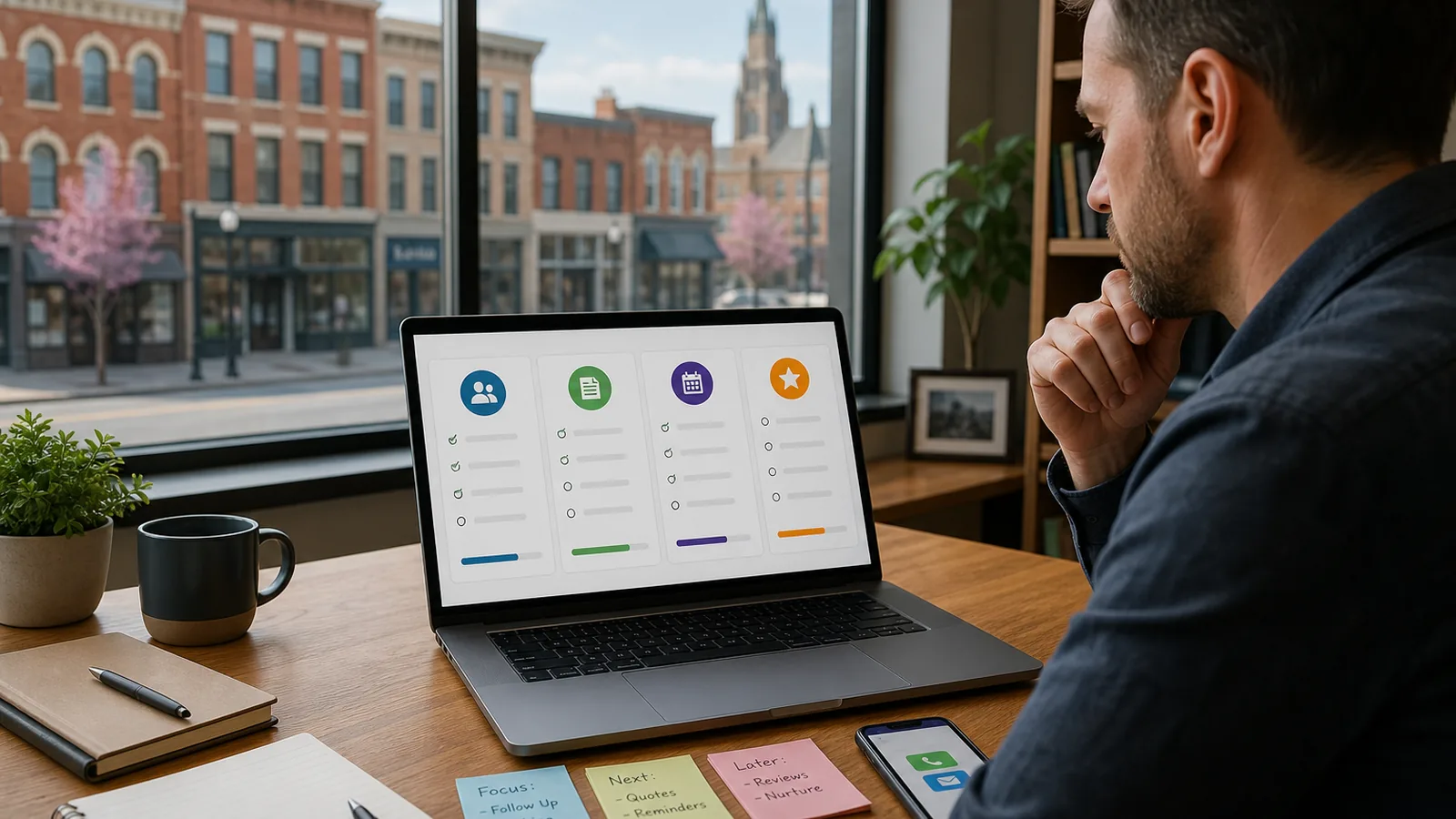
The best business tasks to automate first are repetitive, easy to define, and tied to a real bottleneck: missed leads, slow quote follow-up, appointment reminders, review requests, or internal admin handoffs. For most Western New York small businesses, the right first automation is not the flashiest AI tool. It is the simple workflow that saves time, prevents missed follow-up, and still leaves room for a human to step in when judgment matters.
A useful rule: automate the task you can clearly explain in one sentence. If the process changes every time, fix the process before you automate it.
Why choosing the first workflow matters
A lot of business owners in Buffalo and Western New York know they are wasting time on repeated tasks. The hard part is deciding where to start.
Should you automate email follow-up? Website leads? Quote reminders? Scheduling? Reviews? Internal task creation?
If you start too big, automation can turn into another half-finished software project. If you start too small, it may not matter enough for your team to care. The sweet spot is a workflow that is common, clear, and valuable.
That is where a simple scoring framework helps.
The simple scoring framework
Score each task from 1 to 5 in each category. The best first automation candidates usually score high in frequency, clarity, impact, and safety.
| Score category | Ask this question | Good first automation sign |
|---|---|---|
| Frequency | How often does this happen? | Daily or several times per week |
| Clarity | Can we describe the steps clearly? | Same trigger, same next action most of the time |
| Impact | What happens if this is missed or delayed? | Missed lead, stale quote, no-show, unhappy customer, or extra admin work |
| Human judgment | Does a person need to decide every time? | Low judgment, or clear handoff when judgment is needed |
| Tool readiness | Do we already have the data somewhere? | Form, inbox, CRM, spreadsheet, calendar, or phone system can trigger it |
A task does not need a perfect score. It just needs to be clear enough to automate safely and useful enough that the team notices the difference.
Tasks that usually make strong first automation projects
1. Website lead follow-up
Website forms are a common starting point because the trigger is clear: someone submits a form.
A simple workflow might look like this:
- Trigger: A visitor submits a contact, estimate, booking, or consultation form.
- Action: The system sends an immediate confirmation and logs the request.
- Human handoff: The owner, office manager, or sales person gets a task or notification.
- Customer experience: The customer knows the request was received and what happens next.
- When not to automate: Do not send a generic promise if the request may need urgent review or has legal, medical, or safety concerns.
For a local contractor, med spa, dental office, or service company, this can help keep website inquiries from sitting unnoticed overnight or over a busy weekend.
2. Missed call or after-hours response
Many local businesses lose track of calls when the team is on job sites, helping customers, or closed for the day.
A first version can be simple: when a call is missed, send a polite text asking how the business can help and whether the request is urgent. If the customer replies, the system creates a follow-up task.
This works best when the message is human and clear, not robotic. It should not pretend someone is available if they are not. It should set expectations and route the inquiry properly.
A workflow automation consultant in Buffalo can help map which missed calls should receive an automatic reply and which calls should go straight to a person.
3. Quote or estimate follow-up
If your business sends quotes, proposals, or estimates, follow-up is often one of the easiest places to clean up.
A basic workflow might send a reminder after a quote has been open for a few days, notify a team member if the customer replies, and move the quote into a follow-up list.
Example: A local home service business sends an estimate on Monday. If there is no response by Thursday, the customer receives a short check-in. If there is still no response after another few days, the system reminds the office to review the quote instead of letting it disappear.
This should not be pushy. The goal is to stay organized and helpful.
4. Appointment reminders
Appointment reminders are useful when no-shows, forgotten bookings, or manual reminder calls create extra work.
A practical reminder workflow can confirm the appointment, send a reminder the day before, and route reschedule requests to the right person.
For appointment-based businesses in places like Amherst, Williamsville, West Seneca, or Buffalo, this can be a clean first automation because the steps are predictable and the customer benefit is obvious.
5. Internal admin handoffs
Not every automation needs to touch a customer. Some of the best early wins are internal.
Good examples include:
- Turning form submissions into tasks.
- Assigning follow-up owners.
- Moving new leads from a spreadsheet into a CRM.
- Creating reminders when documents are missing.
- Sending a weekly summary of open quotes, leads, or appointments.
This is where admin workflow automation can help small teams reduce repeated copy-paste work without changing the whole business at once.
A practical scoring example
Here is a simple hypothetical example.
A Buffalo-area service business is considering three automations:
| Task | Frequency | Clarity | Impact | Human judgment | Tool readiness | Total |
|---|---|---|---|---|---|---|
| Website form follow-up | 5 | 5 | 4 | 4 | 5 | 23 |
| Custom project pricing | 2 | 2 | 5 | 1 | 2 | 12 |
| Review requests after completed jobs | 4 | 4 | 3 | 4 | 4 | 19 |
In this case, website form follow-up is probably the best first project. It happens often, the trigger is clear, and the business already has the form data.
Custom project pricing matters, but it requires more judgment. That does not mean it should never be improved. It just may need process cleanup before automation.
Want help choosing the first workflow?
Not sure which workflow is worth fixing first? WNY Business Automation can review your current lead, quote, appointment, or admin process and suggest a few practical automations to start with. The goal is not a giant software overhaul. It is a clear first step that fits how your team already works.
What not to automate first
Some tasks are poor first candidates even if they are annoying.
Avoid starting with tasks that:
- Change completely from customer to customer.
- Depend on sensitive judgment every time.
- Have no clear owner inside the business.
- Require data that is not stored anywhere consistently.
- Would frustrate customers if the message feels fake or overly automated.
Automation should support the customer experience, not hide behind it. If a customer needs a real answer, the system should make it easier for the right person to respond.
Good fit / not right fit yet
This is a good fit if:
- Leads come in from calls, forms, ads, referrals, or your website.
- Follow-ups get forgotten when the day gets busy.
- Quotes, appointments, reviews, or admin tasks require too much manual chasing.
- Your team can agree on what should happen next in most cases.
This may not be the right fit yet if:
- The process changes every time and no one can describe it clearly.
- No one owns the follow-up internally.
- Your team will not use the system where tasks are created.
- You are trying to automate a broken process instead of simplifying it first.
A simple way to pick your first automation
If you want a fast starting point, list ten repeated tasks and ask three questions:
- Does this happen at least weekly?
- Does it have a clear trigger?
- Would a missed or delayed response hurt the customer experience or create extra work?
If the answer is yes to all three, it is probably worth scoring.
Then choose one workflow, build the simplest useful version, test it with your team, and improve it. That is usually better than trying to automate five disconnected tasks at once.
How WNY Business Automation can help
WNY Business Automation helps small businesses in Buffalo and Western New York turn repeated lead, quote, appointment, review, and admin tasks into practical workflows.
That can mean:
- Mapping the current process.
- Identifying the best first automation.
- Creating simple reminders, routing, and follow-up workflows.
- Connecting forms, inboxes, spreadsheets, CRMs, and calendars where appropriate.
- Keeping human handoffs clear so automation does not create confusion.
The focus is simple: fewer missed opportunities, cleaner follow-up, and less manual busywork.
FAQ
What business tasks should I automate first?
Start with repetitive tasks that have a clear trigger and a predictable next step. Common examples include website lead follow-up, missed call text-back, quote reminders, appointment reminders, review requests, and internal task routing.
Should I use AI for my first automation?
Maybe, but not always. Many first automations do not need advanced AI. A clear form, reminder, routing rule, or follow-up sequence may solve the problem more reliably than a complicated AI tool.
How do I know if a task is too complicated to automate?
If the task requires a different decision every time, involves sensitive judgment, or no one can explain the process clearly, it may be too early to automate. Start by documenting and simplifying the workflow.
Can automation work with the tools my business already uses?
Often, yes. Many small-business workflows can start with the tools already in place, such as forms, email, calendars, spreadsheets, CRMs, phone systems, or task boards. The right setup depends on where your information already lives.
What should a Western New York business automate before running more ads?
Before spending more on traffic, make sure new inquiries are being captured, acknowledged, assigned, and followed up. Website lead response, missed call handling, and quote follow-up are often better first fixes than adding more leads to a messy process.
Take the next step
If your Buffalo or Western New York business is buried in follow-ups, quote reminders, appointment tasks, or missed messages, WNY Business Automation can help you choose the first workflow to automate. Start with a simple workflow audit and get a few practical automation ideas before buying new software or rebuilding your whole process.
Request a Free Automation Audit to get a few practical ideas for the first workflow worth improving.